
Pikro — a modern, open-source MikroTik hotspot manager
Manage RouterOS hotspots and vouchers from one zero-install app — built for the people who actually sell and hand out WiFi.
Why I built Pikro
If you run a hotspot on MikroTik — a café, a small ISP, a hotel, a community network — you know the daily reality: generating and printing vouchers, keeping track of who's expired, all through a router UI that was never meant for it. The popular tool for this, Mikhmon, helps, but it's dated, and leans on browser workarounds for things like QR codes.
There's also a genuine bug: on RouterOS v7, time-limited vouchers don't reliably expire. If you sell a one-day voucher, it can quietly keep working. That's revenue leaking out of the till.
Pikro is a single app you download and run, no install, that handles the whole voucher lifecycle and fixes the expiry bug by installing a cleanup scheduler on the router itself. It's local-first: it runs on your machine, your router credentials never leave your computer.
What it does
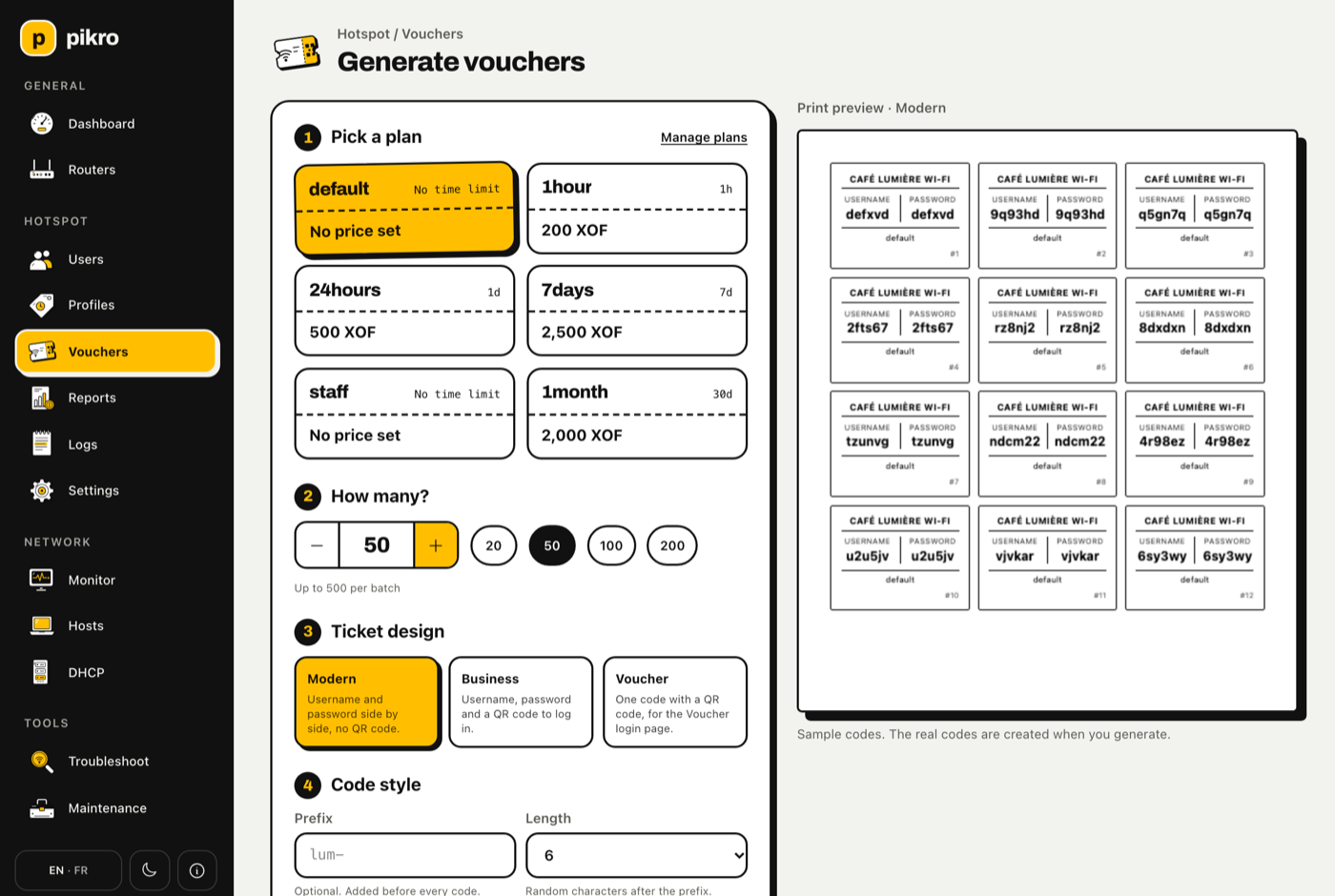
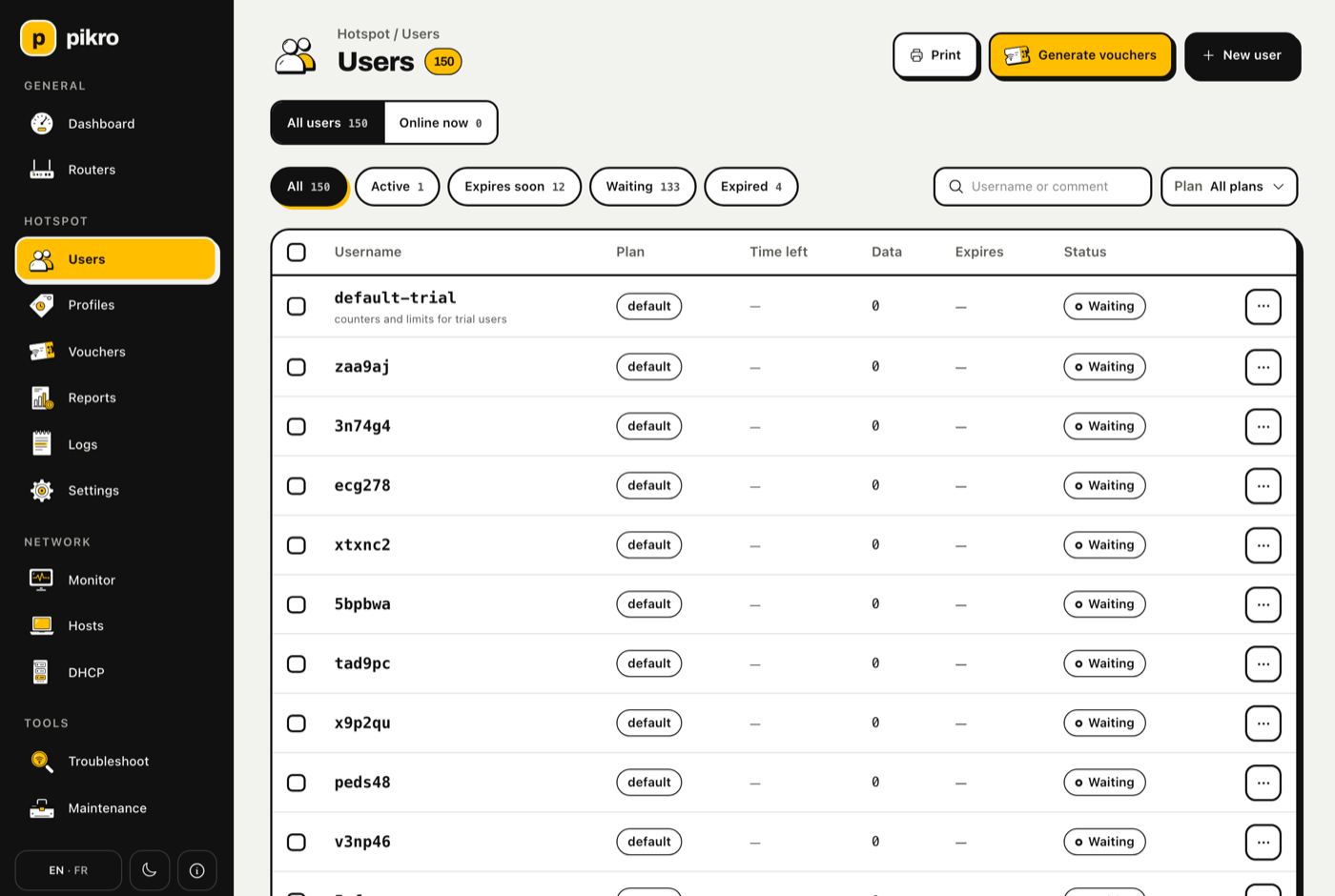
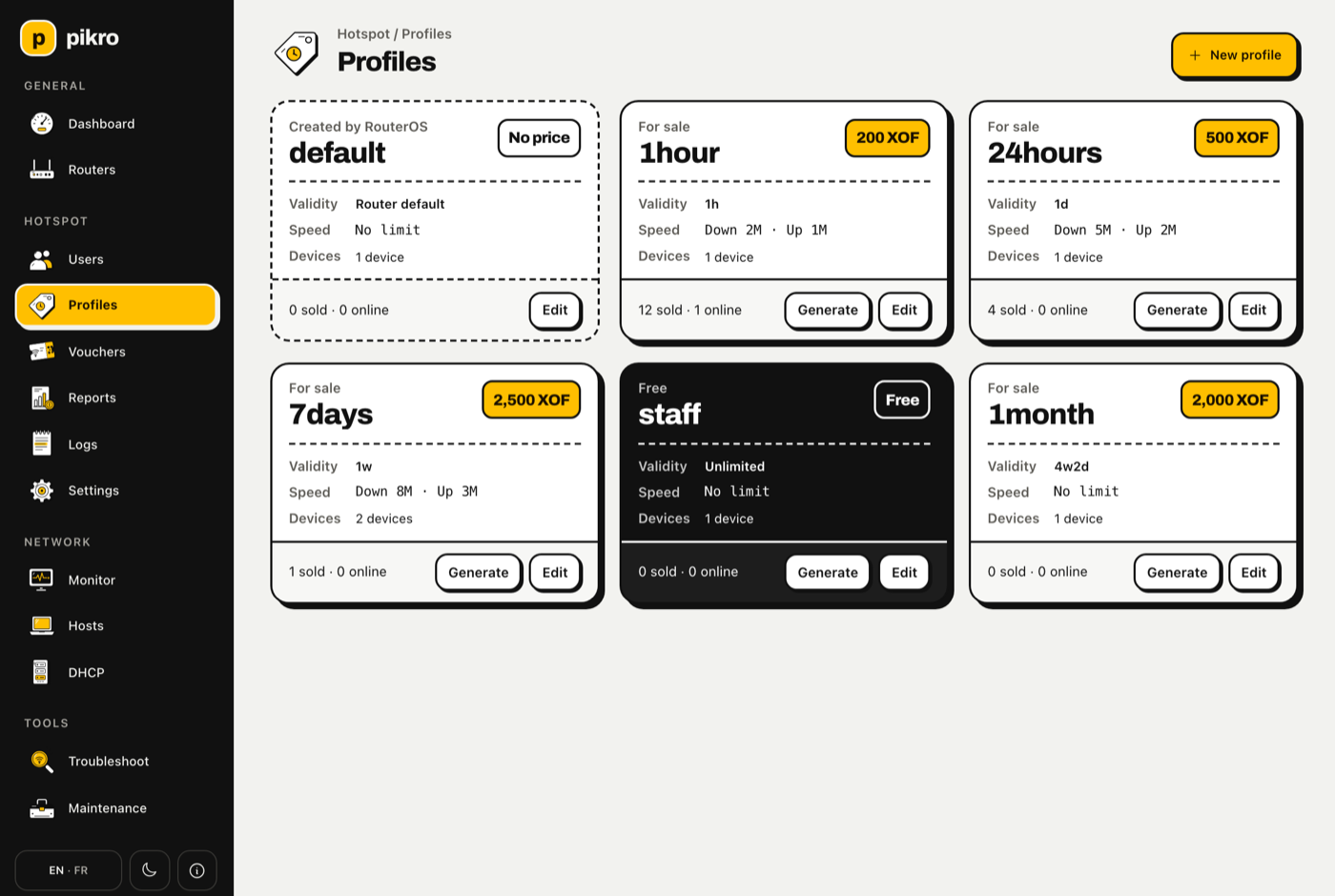
- Voucher management — generate, print, enable, edit and bulk-manage users and vouchers from a clean UI.
- Vouchers that actually expire — installs a cleanup scheduler that fixes the RouterOS v7 expiry bug, so time-limited vouchers really time out.
- Printable voucher templates — three designs, including a Business layout with a client-side QR code that logs the user in with no typing.
- Automatic router discovery — finds MikroTik devices on your LAN over MNDP, so you don't hunt for IP addresses.
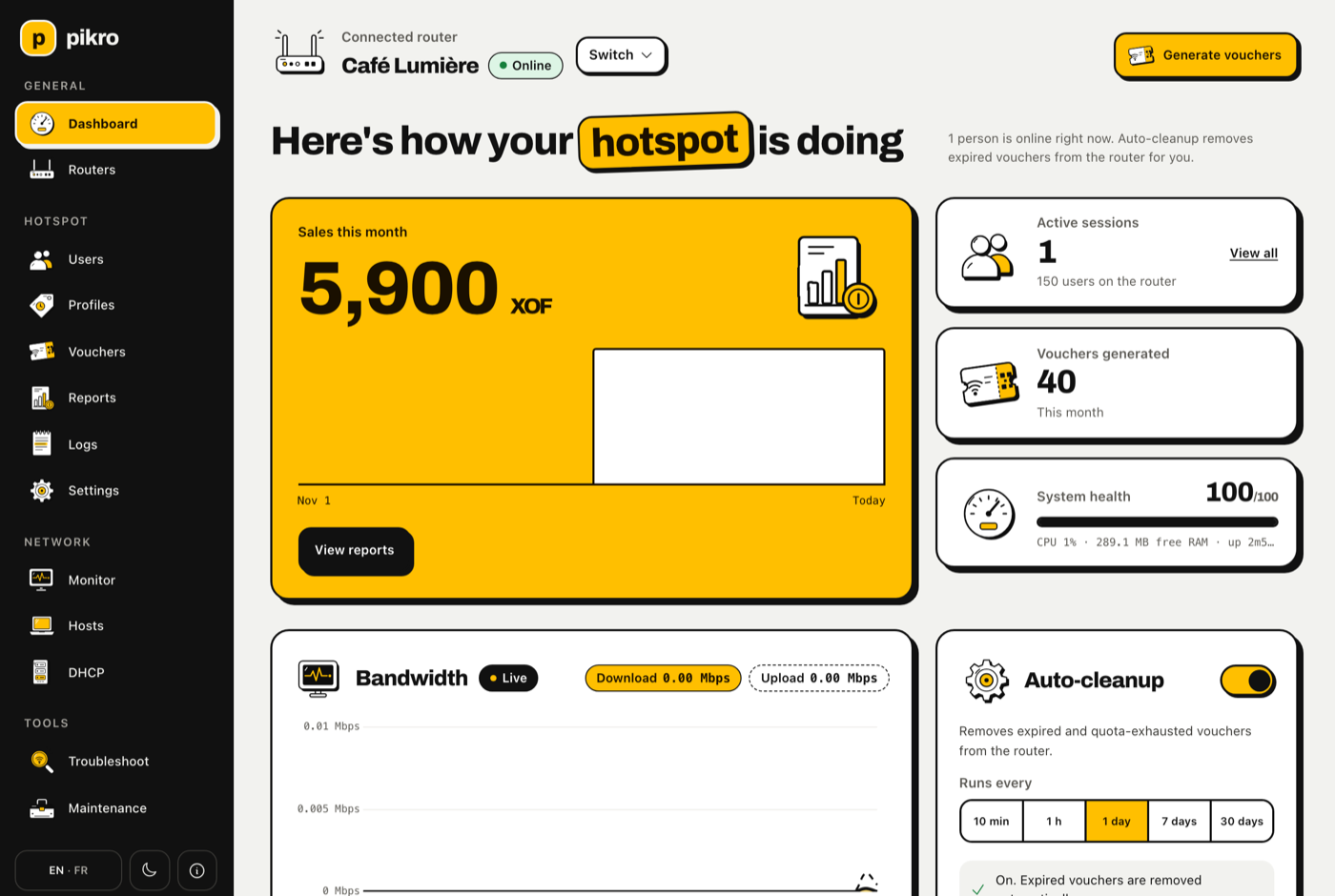
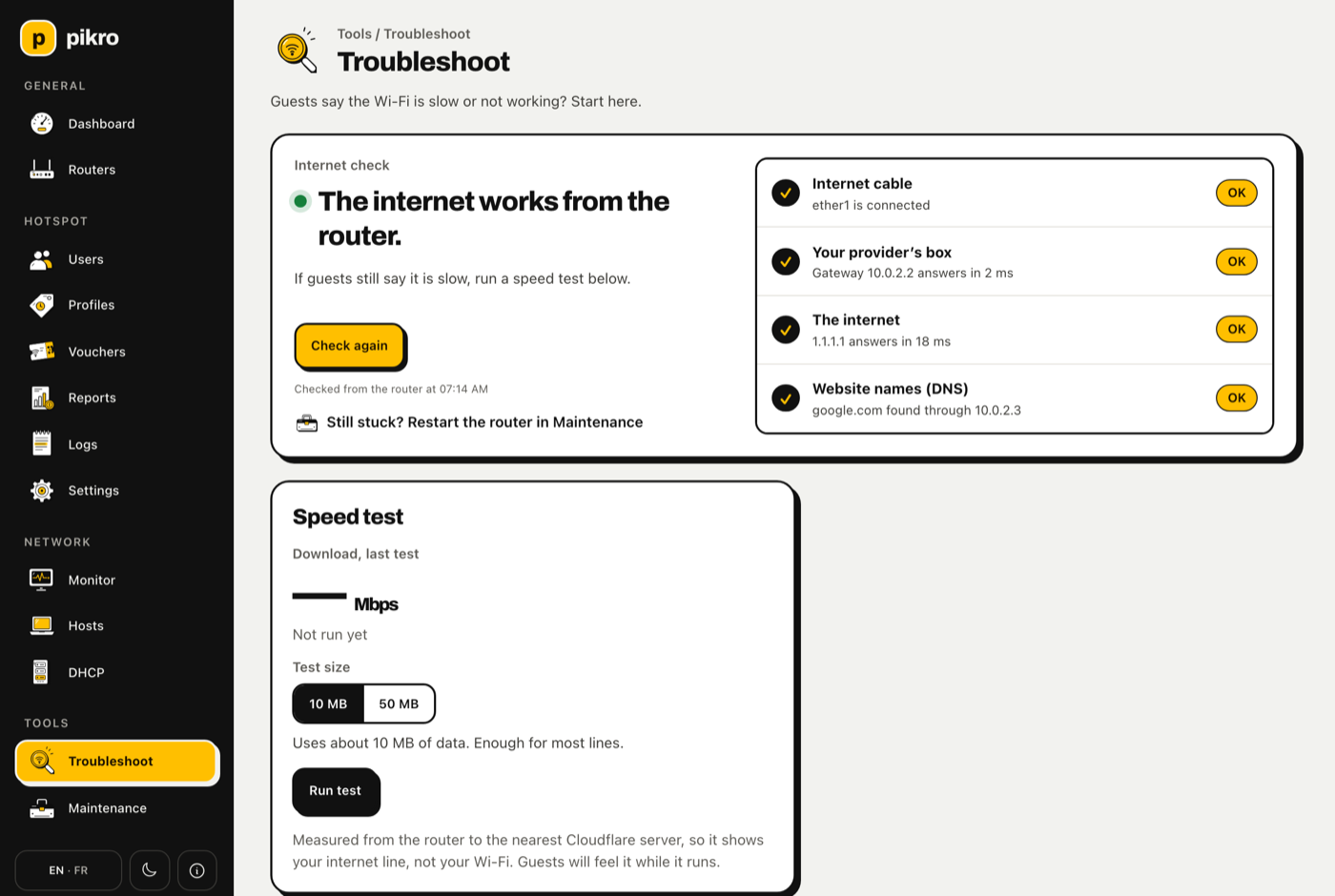
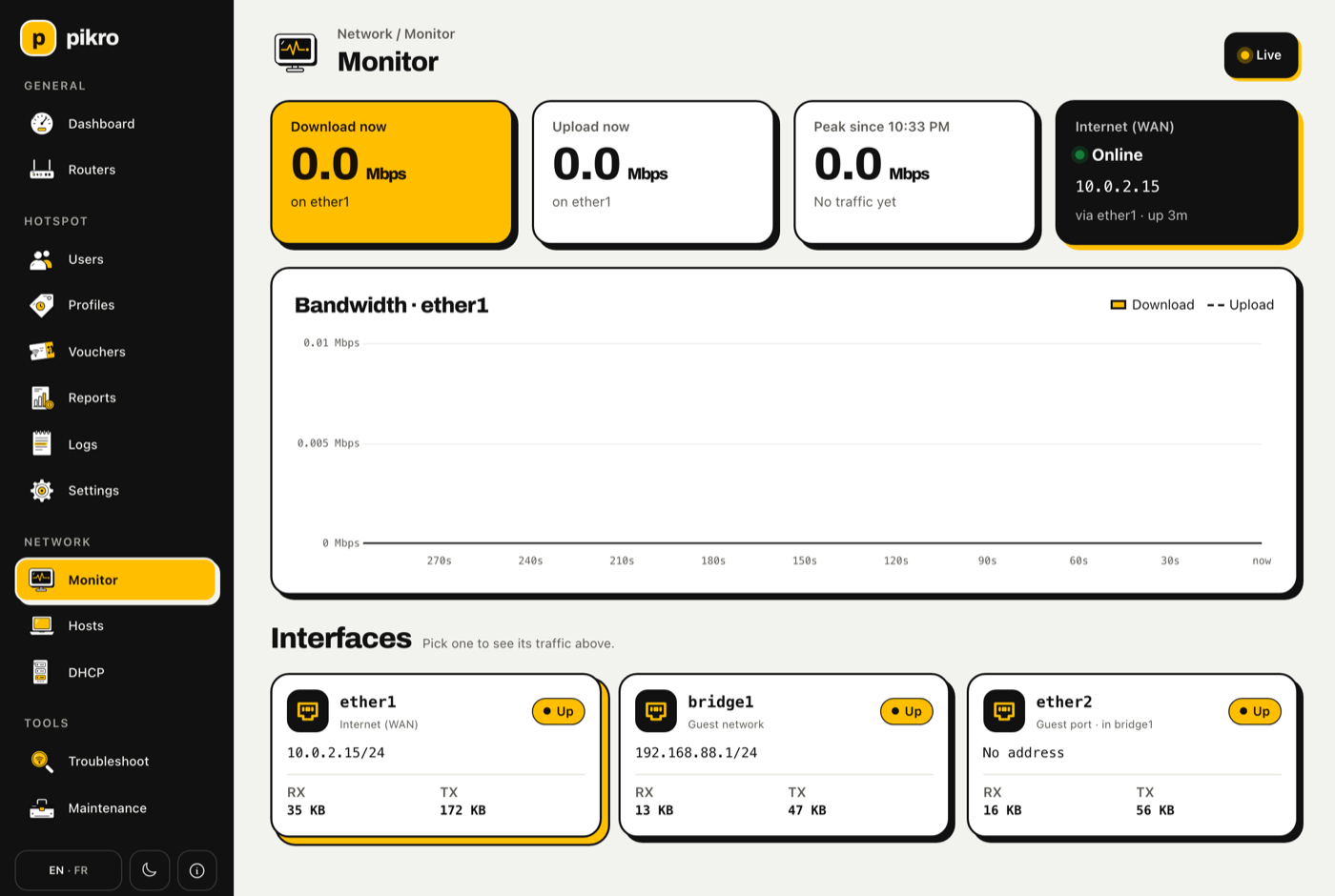
- Live monitoring — active sessions, bandwidth, WAN IP and system resources, with one-click disconnect.
Download Pikro
Builds aren't code-signed yet. On macOS, right-click the app and choose Open the first time; on Windows, click More info → Run anyway if SmartScreen appears.